
Set up
Captcha verification
A picture grid at the door; bots and raids stay outside.
With verification on, a new member sees the verification channel and the public read-only channels, and nothing else, until they solve a captcha. Solving it gives them the member role, and that role opens the rest of the server.
The captcha is a 3×3 grid of pictures: the member counts the squares that show your server’s logo and picks the number in a dropdown, so it works on a phone without typing. Three wrong answers and they press Start again. A member who is stuck can ask in the help channel the blueprint made for exactly that.
Plan: Free, on every plan
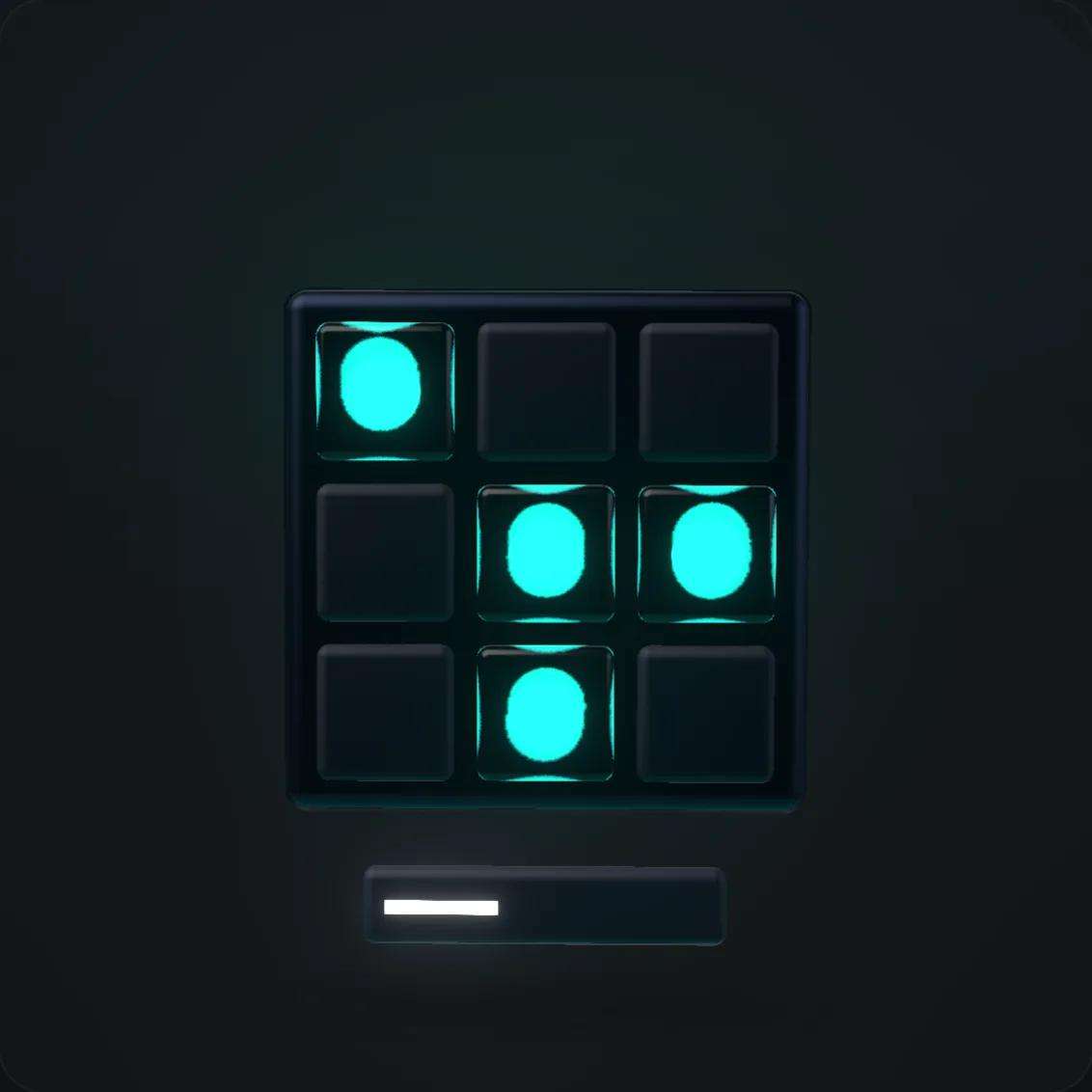
Your logo in the grid
The pictures carry your server’s logo (or the bot’s mark until you set one), so the captcha looks like yours, not like a generic test.
Three messages you write
The verification message with the Start button, the captcha message with the grid, and the private “you’re in” message with links to the channels worth visiting first. Each has an editor with a live preview.
Posted once, edited in place
Publish posts the verification message into the channel and edits the one already there, so the Start button never moves.
How it works
The dashboard’s tour walks you through these same steps on the page itself, one setting at a time.
- 1
Switch it on
The blueprint made the verification channel (✅┃verify_start) that only unverified members can see, and preselected the member role. Publish makes it live.
- 2
A member presses Start
They get the grid privately, count the squares with the logo, and pick the number. Correct: the member role and the welcome. Wrong: a new grid, up to three times.
- 3
The server opens
The member role unlocks every channel the blueprint gave members. The welcome message goes out at this moment, not at the join.
What you control
- Verification channel
- Where the Start message lives; the blueprint’s lobby by default.
- Verified member role
- The role a correct answer gives. The bot’s role must sit above it in Discord; the setup page tells you when it does not.
- Three messages
- Verification, captcha grid, welcome: text and embeds with {server}, {bot}, {user}, {expiry} and {attempts} filled in.
- The switch
- Off means the Start button answers that verification is switched off and gives nothing; existing members keep their role.
Commands
The slash commands this feature registers in Discord, with the permission a member needs to use them. The full reference lists every command.
/verifybutton
Sets up the verify message with button
Administrator
/verifygrid
Sets up the verify message with grid captcha (dropdown selection)
Administrator
/verifyreaction
Sets up the verify message with reaction
Administrator
Questions people ask
Can real people fail it?
Rarely: counting squares is easy for a person and hard for a script. Three wrong answers end the attempt, and the help channel is one click away for anyone stuck.
Does it work with Discord’s own membership screening?
Yes. Discord’s rules screen runs first; the captcha runs when the member reaches the lobby. The blueprint sets the rest of the server to members-only, so the two do not overlap.
What about members who were already in the server?
They keep the member role they have. Turning verification on only changes what a newcomer sees until they solve the grid.
Add the bot, run the tour, invite your members
It takes one afternoon. The captcha, the roles and the welcome are waiting for them.